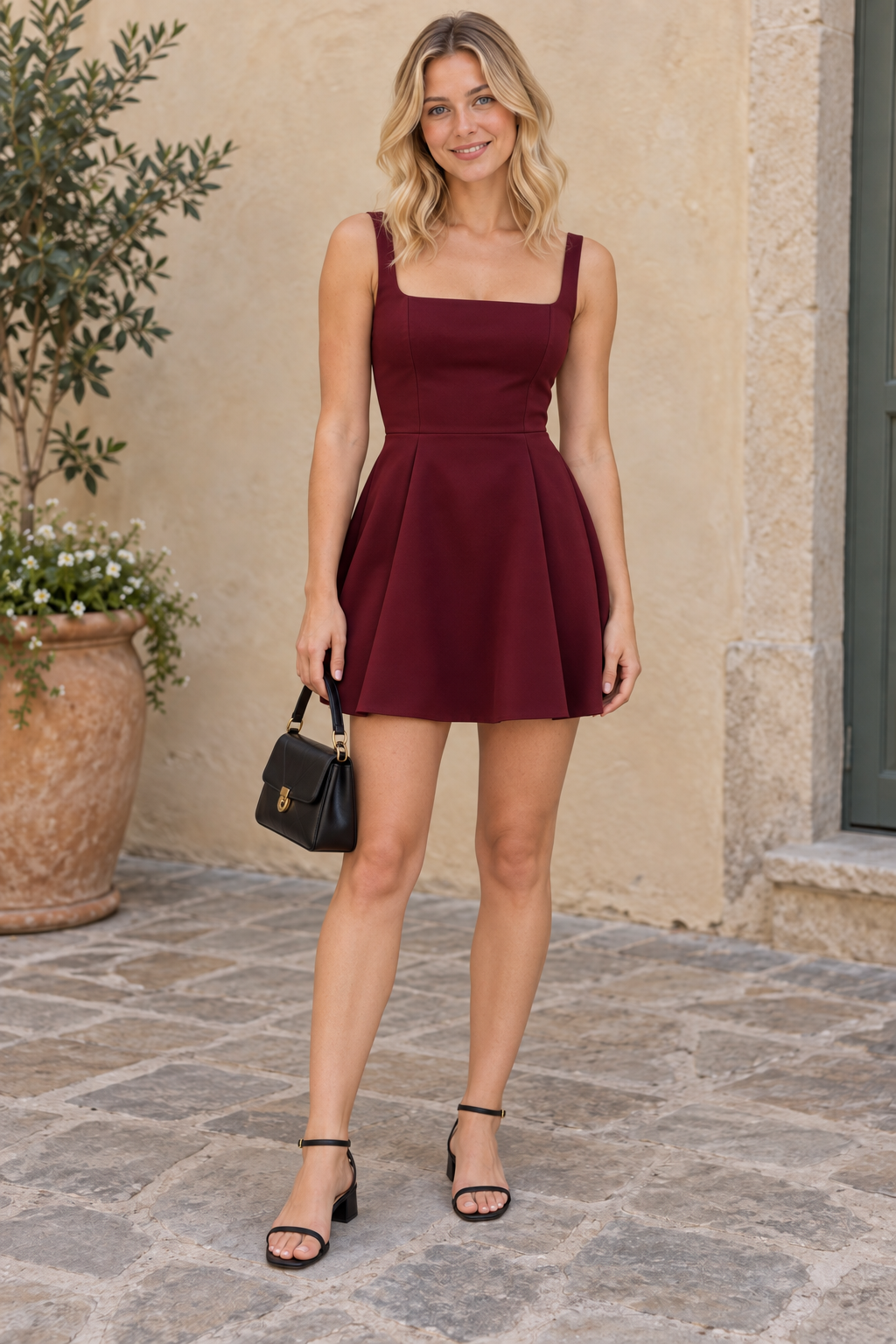
●   AI VIRTUAL CLOTHING TRY-ON

What if you
tried this look?

Your photo. The clothes you love.
A new look. Still you.

Your first try-on is free. No account or card needed. How it works ↗

01 It starts with you.YOUR PHOTO

Trying a top? A photo showing your head, shoulders and waist is enough. For a full outfit, include your whole body.

02 The garment you have in mind.YOUR GARMENT

Have a photo of the garment? Add it here.

Flat, on a hanger or worn by someone who agrees: show the clothing clearly. Your own photo remains the body reference.

What would you like to change?

Your pose remains the reference, standing or seated. A standing photo makes a full-outfit try-on easier.

Your body shape is the reference. No slimming is requested.

A full try-on uses one ALLURE credit, whichever mode you choose. Images are sent to OpenAI. ALLURE only stores the result if you choose to save it in your private wardrobe.

YOUR NEXT OUTFIT STARTS HERE

Before you buy it,
see it on you.

A dress you spotted online, an outfit for an occasion… Try, compare and save the looks you love.

  1. Your photo. So many possibilities.Add your photo and a garment image, shop link or style idea.
  2. A wardrobe for all your ideas.Save your try-ons in your account: Favourites for the looks you love, To buy for later, To wear for your next outing. Your photos are waiting when you sign back in.
  3. “Which one do you prefer?”Send the photo to a friend or your family through WhatsApp, Messages or email, depending on your device. You can also download it and send it to yourself.
  4. The right link, at the right moment.Ready to buy? Find your saved link and open the shop. You buy directly from the retailer.
Create my free wardrobe ↗2 free try-ons per month after account verification. No card needed. Saving, organising and sharing an outfit does not use a try-on credit.
EXPLORE THIS DEMO · NO CREDITS USED

Choose an outfit to see the photo change.

An everyday blazer on the same demo model
My try-ons

An everyday blazer

For the office, lunch or a day out.

AI-generated examples, not a customer's wardrobe. Choices here are not saved to an account. A simulation does not guarantee the garment's actual size or fit.
YOUR ONLINE FITTING ROOM

Virtual try-on,
how does it work?

ALLURE uses AI to show a garment on your photo. Compare styles before buying, then save your wish list in your wardrobe.

How do I try on clothes using my photo?

Add a photo of yourself, then an image of the garment. You can also import a shop link or describe a style. Choose the top, bottom or full outfit, then start your try-on.

Can I try it for free?

Your first try-on is free, with no account needed. A verified account then gives you two free try-ons per month. Packs let you continue at your own pace. View pricing and terms.

Will the result tell me my clothing size?

No. This is a visual simulation, not a measurement service. The AI aims to preserve your face, body shape and pose, but details may vary. Check the retailer's size guide and return policy.

What happens to my photos and favourites?

You choose whether to save the result in your private wardrobe. Find your outfits, notes and saved shop links there. Share through your apps or download the image. Learn more about your photos.

Prepare your photo and choose your garment ↗
YOUR NEXT CHAPTER IN STYLE

A look for today.
A wardrobe for tomorrow.

Find your try-ons, save your favourites and keep links to clothes you want to buy. Your verified account includes two free try-ons per month. No paid subscription.

Create my wardrobe ↗